Growth Engine for Windows
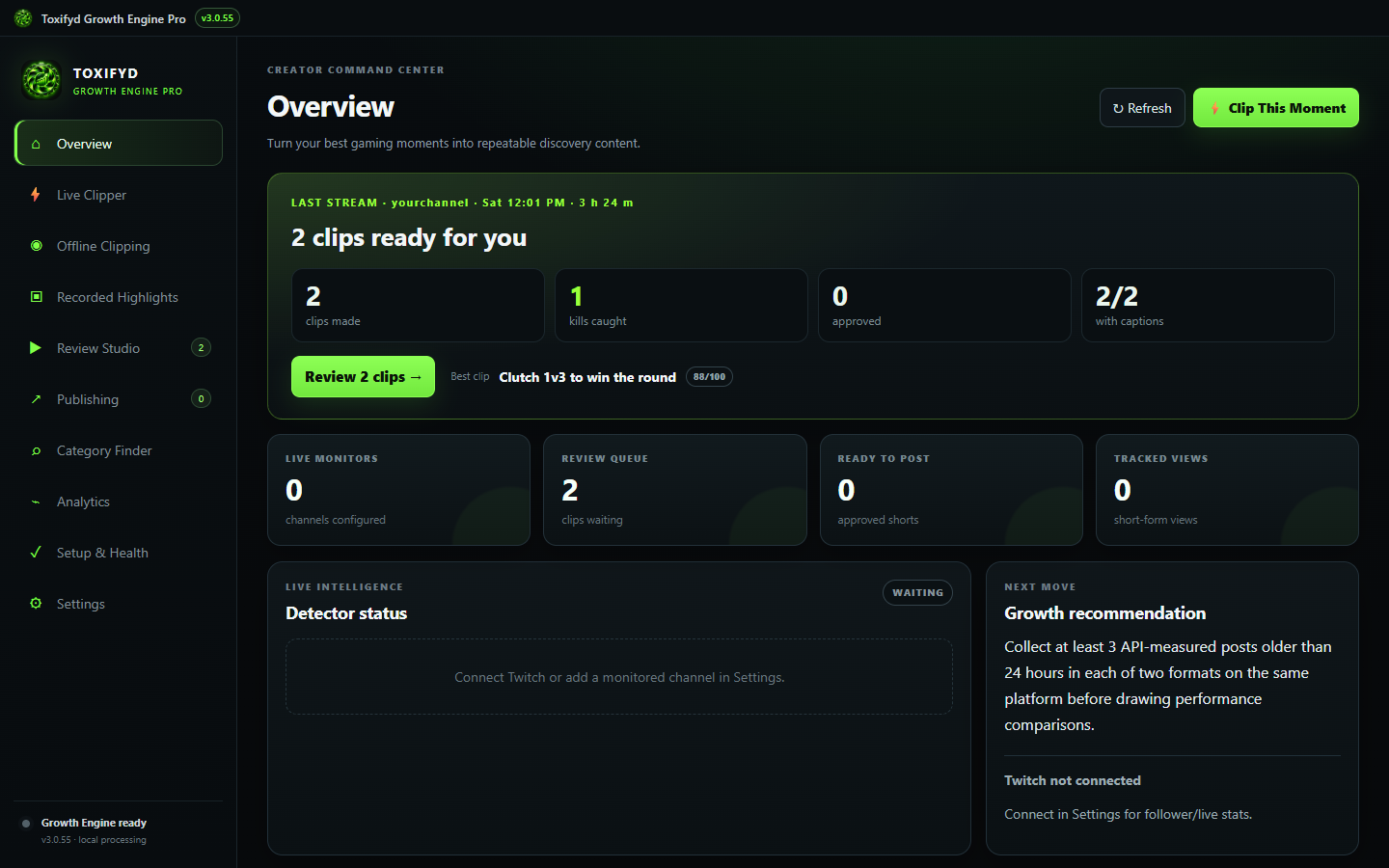
Growth Engine watches your Twitch stream and turns kills, big reactions and chat moments into vertical clips with captions and headlines, ready for TikTok, YouTube Shorts and Reels.
Works with OBS, Streamlabs, Meld, PS5 and Xbox. No paid AI required.
How it works
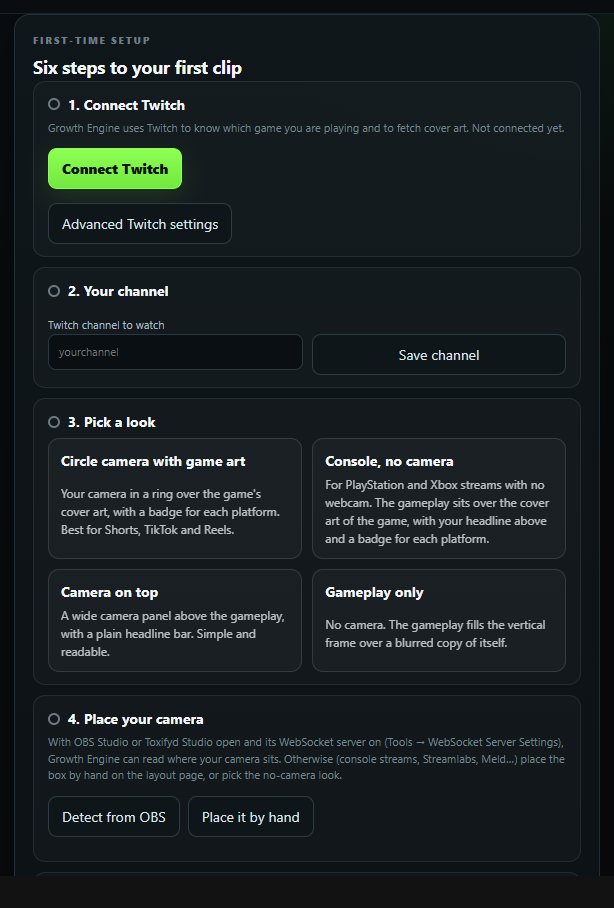
Set it up once in about five minutes. After that it runs while you play.
Stream to Twitch the way you always do, from a PC or a console.
Kills in the kill feed, your loudest reactions and chat going wild each become clip candidates.
Vertical 9:16 video with your camera, captions, a headline and your handles.
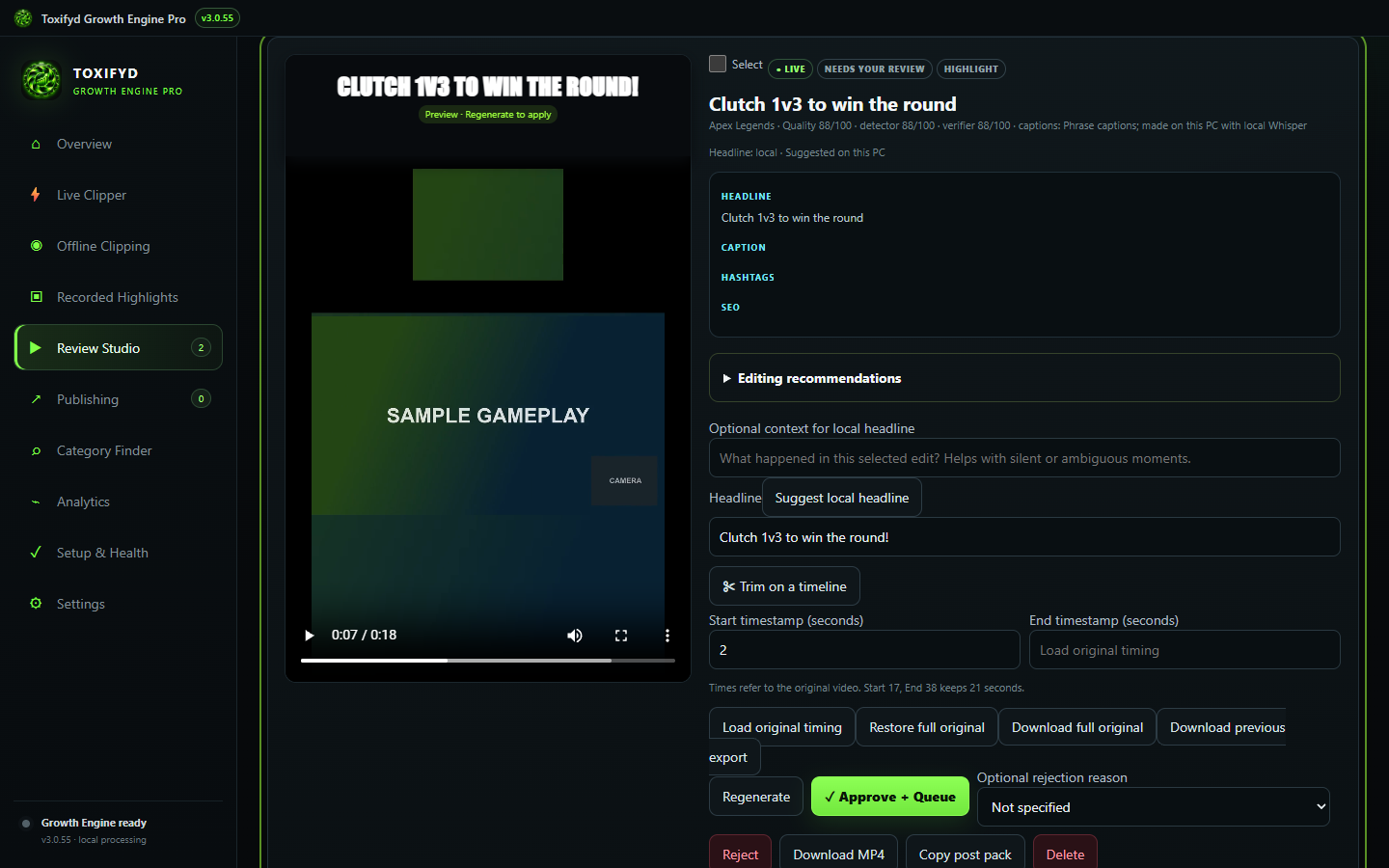
Approve with one key, trim on a timeline, and post to TikTok, Shorts and Reels.
Real clips
Features
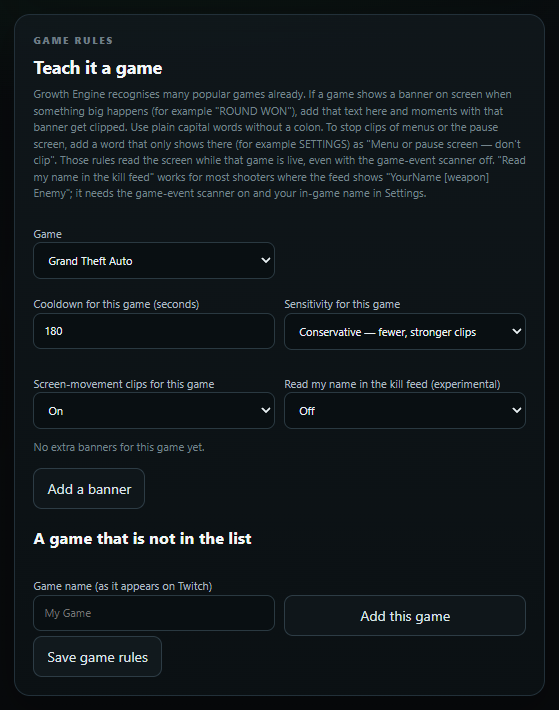
Reads your name in the kill feed, hears your reactions, and watches chat for spikes. It knows menus and pause screens aren't highlights.
Speech-to-text runs locally for free, timed to what you actually say, with an optional swear-word filter.
A local AI model suggests a headline for each clip. You can edit it and see it on the video before rendering.
Circle camera with game art, camera on top, or a console layout with no camera, plus your colours and platform badges.
Drag-to-trim timeline, keyboard shortcuts, and a summary waiting for you after every stream.
Heavy work waits until you stop streaming and runs at the lowest priority, so your game and stream keep full speed.
Inside the app


Works with your setup
Growth Engine clips from your Twitch stream itself, so it works whatever you stream with. OBS users also get automatic camera detection.
Growth Engine
One license, instant download.
Secure checkout by Lemon Squeezy. Taxes handled for you.
Requirements
| Computer | Windows 10 or 11 (64-bit) |
|---|---|
| Memory | 8 GB RAM minimum. 16 GB recommended if you use local headlines. |
| Disk space | About 2 GB for the app, plus 0.6 GB for local captions (6.1 GB with local headlines), plus room for your clips. |
| Graphics | Not required. An NVIDIA GPU makes rendering faster when you are not streaming. |
| Streaming | A Twitch account. Stream from any software or console. |
| Internet | Needed to watch your stream and for the one-time model download. Captions and headlines then run offline. |
Questions
No. Captions and headlines run on your own PC for free. If you already have an OpenAI key you can use it, but you never need one.
No. During a stream it only watches and saves clips. Captions, headlines and re-rendering wait until you stop streaming, and run at the lowest Windows priority.
Yes. Growth Engine clips from your Twitch stream itself, so console streams work. Use the "game art, no camera" look for a clean result.
WarDogs has a dedicated kill reader. For many other shooters you can switch on reading your name in the kill feed per game (experimental). It also clips big voice reactions and chat spikes in any game. You can teach it on-screen banners like "VICTORY" for any game too.
It prepares everything: the vertical video, headline, caption and hashtags, plus posting reminders. Uploading is a quick manual step, because those platforms limit automatic posting.
That message appears for new apps that Windows has not seen much yet. Click More info, then Run anyway. The installer comes directly from this site.
On your own PC. Nothing is uploaded unless you choose to connect an account or post a clip.